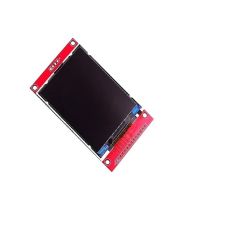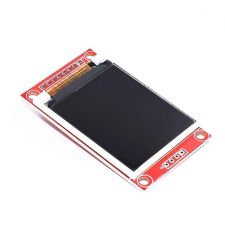

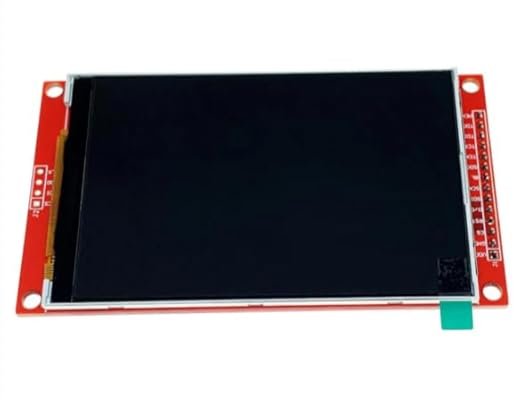
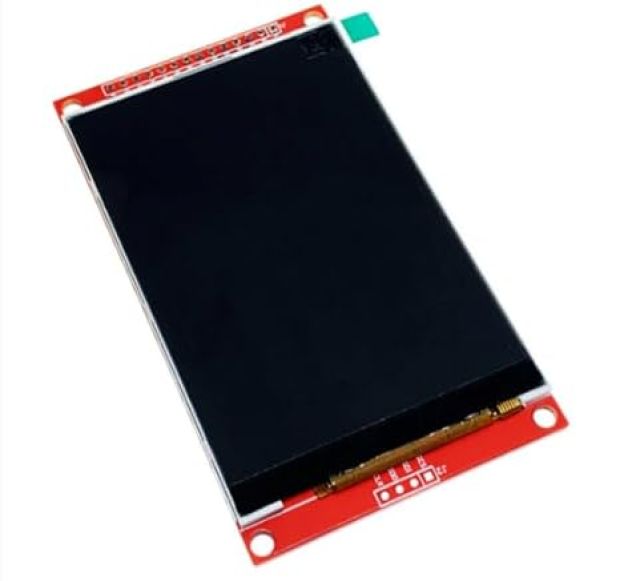
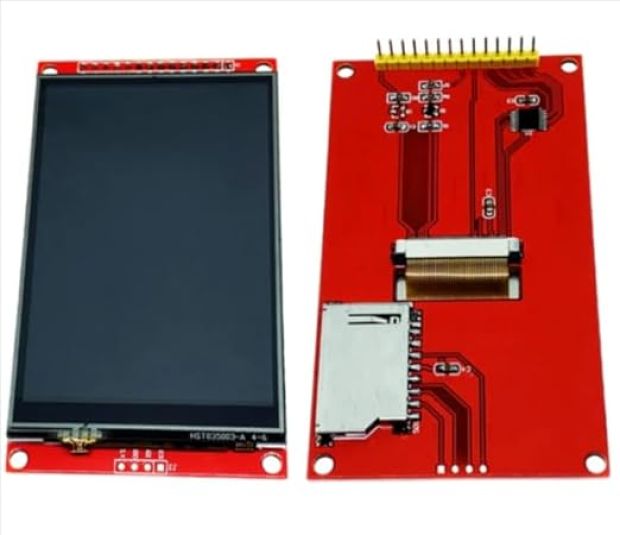
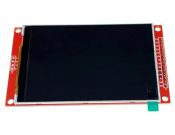
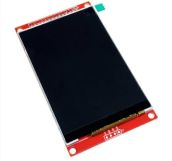
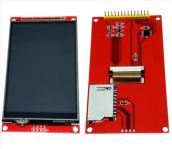
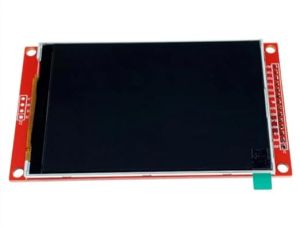
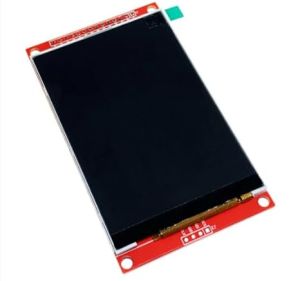
3.5 Inch ILI9486 TFT Touch Shield LCD Module (480 * 320 Resolution, Resistive Touch, SD Card Slot for Arduino Uno & Mega)
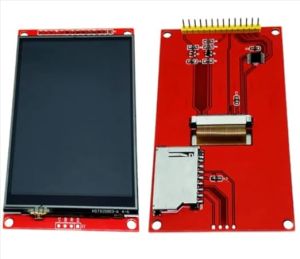
Transform your microcontroller projects with the 3.5 Inch ILI9486 TFT Touch Shield LCD Module. Designed for direct plug-and-play mounting on Arduino Uno, Mega2560, and compatible development boards, this display shield features a sharp 480 * 320 pixel resolution capable of rendering up to 262,000 vivid RGB colors. Driven by the ILI9486 IC via an high-speed 8-bit parallel interface, it offers fast screen refresh rates compared to standard SPI screens. Equipped with an onboard 4-wire resistive touch panel (with stylus), an integrated MicroSD card slot for loading image assets, and a built-in 5V/3.3V level shifter, it requires zero soldering or complex external wiring to operate.
₹ 980
₹ 1,192


The 3.5 Inch ILI9486 TFT Touch Shield LCD Module is a plug-and-play graphical interface solution engineered for Arduino enthusiasts and embedded hardware developers. Utilizing a high-density pixel TFT panel, this shield provides four times the screen real estate and resolution of standard 2.4-inch display shields, enabling detailed data plots, rich visual dashboards, and custom touch controls.
Powered by Texas Instruments/Ilitek's ILI9486 display controller, the shield communicates over an 8-bit parallel data bus () combined with 5 control signals (). This parallel bus structure bypasses the bandwidth limitations of serial SPI, delivering high-speed frame updates for smooth screen redraws. An integrated resistive touch screen digitizer allows touch interactions, and the back of the shield features a built-in MicroSD card socket for reading graphics files and local logging. Built-in bus level-shifting ICs make the board natively safe for both and logic levels.
Key Features and Benefits
-
Direct Plug-and-Play Form Factor: Headers align with standard Arduino Uno R3, Mega2560, and Leonardo board sockets without jumper wires.
-
High-Resolution Display: Displays crisp vector graphics, detailed menu systems, and continuous real-time charts.
-
Integrated 4-Wire Resistive Touchscreen: Responsive touch tracking using an included stylus or finger touch.
-
Fast 8-Bit Parallel Bus: Higher bandwidth transmission compared to conventional SPI-based TFT displays.
-
Integrated MicroSD Card Socket: Convenient storage and fast retrieval of heavy graphic skins and data logs.
-
Dual Logic Level Safety (): Onboard level conversion ICs protect display control lines from voltage mismatch.
Technical Specifications
Shield Pinout & Software Configuration
1. Header Pin Definitions:
2. Recommended Software Libraries:
-
MCUFRIEND_kbv: Excellent open-source driver library specifically developed for 8-bit parallel Arduino TFT shields using the ILI9486 driver.
-
Adafruit_GFX: Provides the graphics engine for drawing text, lines, circles, buttons, and custom color themes.
-
TouchScreen.h / Adafruit_TouchScreen: Library used to read touch coordinates and pressure levels () from the resistive digitizer.
LIBRARY CONFIGURATION TIP: When using the MCUFRIEND_kbv library, run the included
LCD_ID_readregexample sketch first to verify driver ID0x9486. If the screen shows a white display, force driver initialization in your setup using:tft.begin(0x9486);.
Applications
-
IoT & Smart Home Hubs: Building interactive control consoles for home automation, lighting, and HVAC systems.
-
Laboratory & Test Equipment: Creating graphical Oscilloscopes, Signal Generators, and Weather Stations.
-
DIY Gaming Devices: Developing retro handheld games with real-time resistive touch controls.
-
Industrial Monitoring Dashboards: Real-time visual tracking of process variables, motor speeds, and sensor telemetry.
Package Includes
-
1 x 3.5 Inch ILI9486 TFT Touch Shield LCD Module ()
-
1 x Resistive Touch Stylus Pen
Shipping & Delivery
-
Free shipping on orders above ₹999 across India
-
Dispatched within 1-3 business days
-
Expected delivery: 3-7 business days depending on location
-
Secure packaging to ensure safe transit of electronic components
0 Reviews For this Product

Related Products